> ## Documentation Index
> Fetch the complete documentation index at: https://docs.fenixstudios.net/llms.txt
> Use this file to discover all available pages before exploring further.
# Spawn Lobby V3
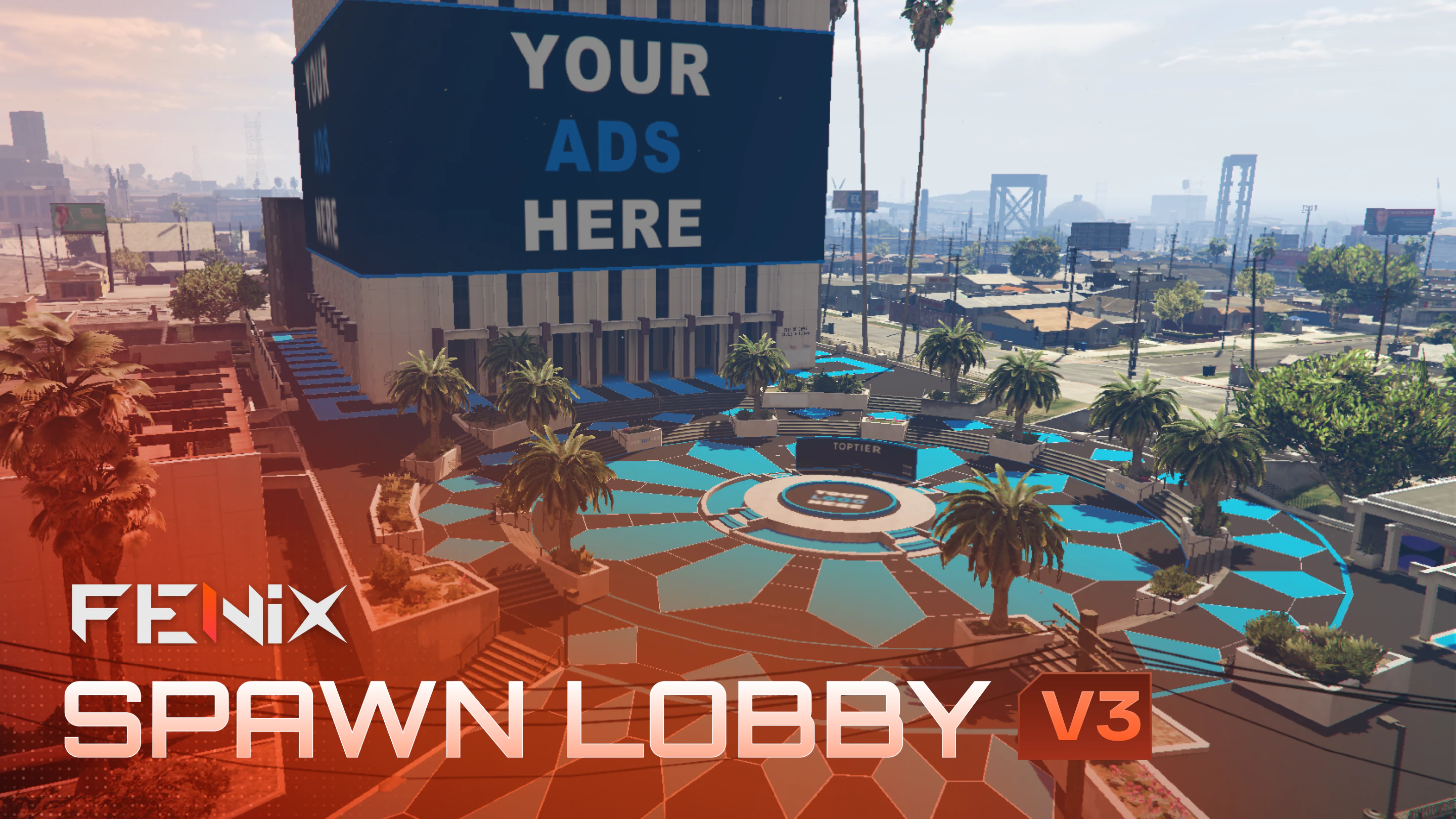 ## Coords:
```text theme={null}
292.33, -1588.075, 30.532
```
***tx admin teleport doesnt work at all, use another teleport system***
*IMPORTANT: 3D Custom logo its not included in this pack, purchase it* [*HERE*](https://fenixstudios.net/products/5736125)\_ , will be added to all your actually purchased and future purchase arenas.
## How can I customise color and textures of my MLO?
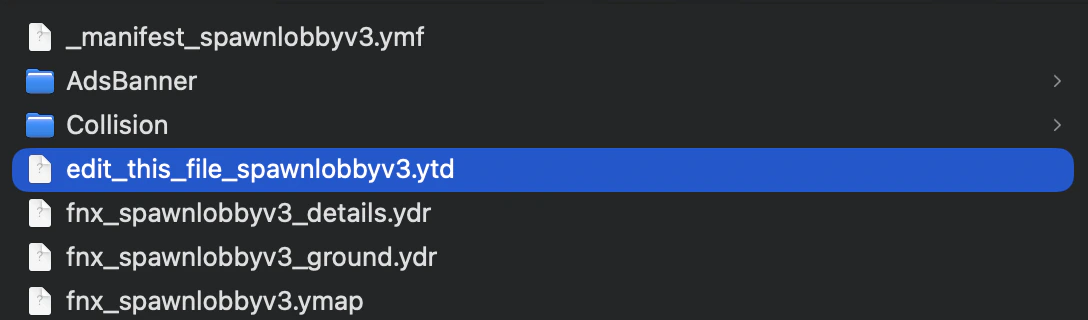
inside each map, you will find a texture file named "edit\_this\_file.ytd" , you can change color, logos and many customisation options.
## Coords:
```text theme={null}
292.33, -1588.075, 30.532
```
***tx admin teleport doesnt work at all, use another teleport system***
*IMPORTANT: 3D Custom logo its not included in this pack, purchase it* [*HERE*](https://fenixstudios.net/products/5736125)\_ , will be added to all your actually purchased and future purchase arenas.
## How can I customise color and textures of my MLO?
inside each map, you will find a texture file named "edit\_this\_file.ytd" , you can change color, logos and many customisation options.
 ### Textures editing
Here you have the existing map textures for colors, banners and more in png and psd file for an optimal and guided configuration, [DOWNLOAD HERE](https://cdn.discordapp.com/attachments/1006165074592935966/1494322040738545695/Texture.zip?ex=69e22f59\&is=69e0ddd9\&hm=4fa4f6dcd0edac0f0d00e35839c92802dea177b41a3974bf0762a42fc4367c8b&)
Follow our video tutorial on [YOUTUBE](https://www.youtube.com/watch?v=Kc8OejM6HtM)
## How to remove external collisions
Just delete the "Collision" folder from the stream folder of your map
### Textures editing
Here you have the existing map textures for colors, banners and more in png and psd file for an optimal and guided configuration, [DOWNLOAD HERE](https://cdn.discordapp.com/attachments/1006165074592935966/1494322040738545695/Texture.zip?ex=69e22f59\&is=69e0ddd9\&hm=4fa4f6dcd0edac0f0d00e35839c92802dea177b41a3974bf0762a42fc4367c8b&)
Follow our video tutorial on [YOUTUBE](https://www.youtube.com/watch?v=Kc8OejM6HtM)
## How to remove external collisions
Just delete the "Collision" folder from the stream folder of your map
 ## How to remove / add the Podium
Just delete the "Podium" folder to remove it. To add it back, download again the spawn lobby v3 and place back the removed folder.
## How to remove / add the Podium
Just delete the "Podium" folder to remove it. To add it back, download again the spawn lobby v3 and place back the removed folder.
 ## How to remove the ADS banner
Just delete "AdsBanner" folder
## How to remove the ADS banner
Just delete "AdsBanner" folder
