> ## Documentation Index
> Fetch the complete documentation index at: https://docs.fenixstudios.net/llms.txt
> Use this file to discover all available pages before exploring further.
# Arena Market v2
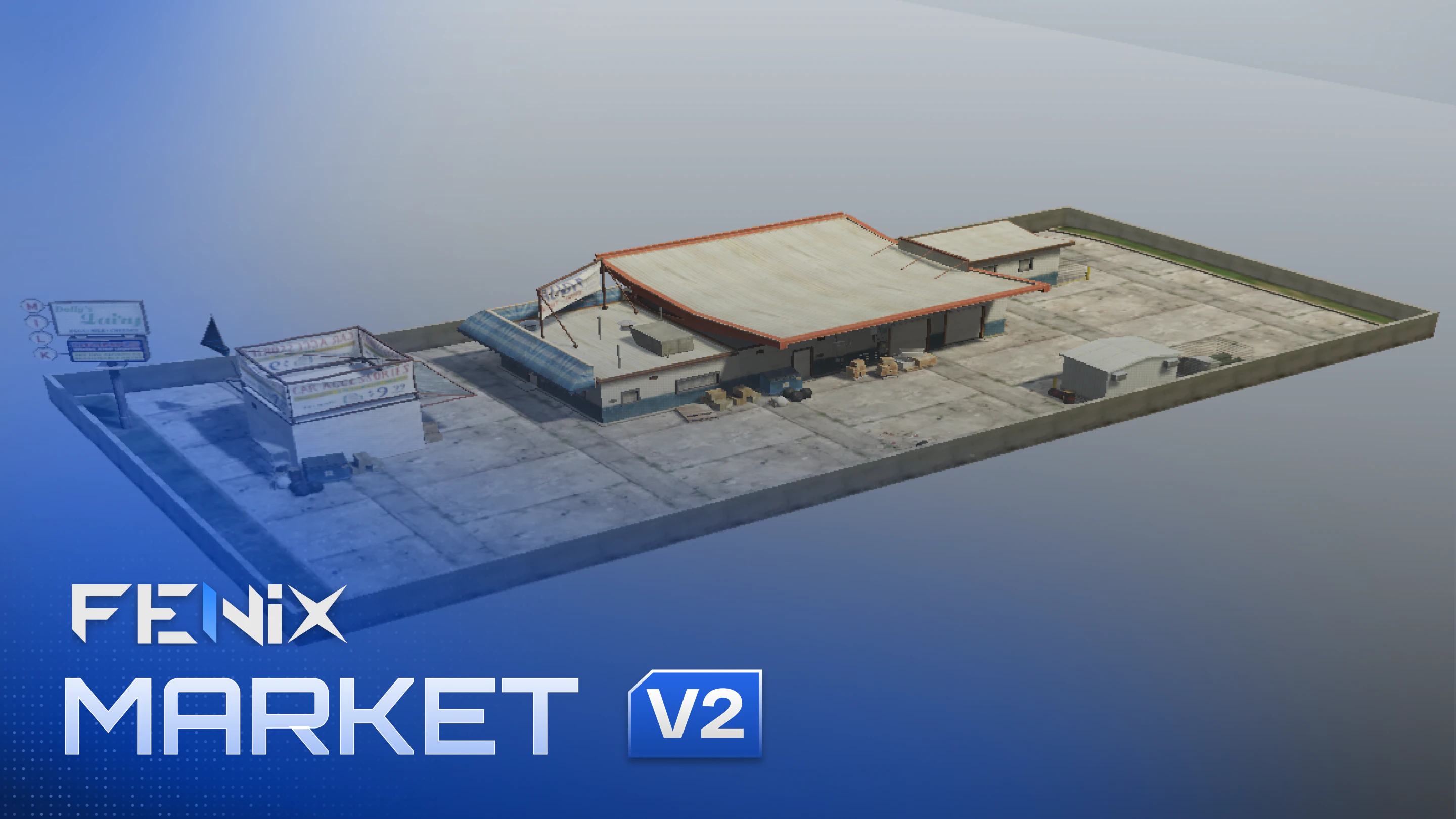 ## Coords:
```text theme={null}
1088.8771, -780.3306, 1062.8431
```
***tx admin teleport doesnt work at all, use another teleport system***
*IMPORTANT: 3D Custom logo its not included in this pack, purchase it* [*HERE*](https://fenixstudios.net/products/5736125)\_ , will be added to all your actually purchased and future purchase arenas.
## Can I remove the "Your ADS Here" Billboards?
yes you can! just open the stream folder and remove the "board" ydr files. see the image below:
## Coords:
```text theme={null}
1088.8771, -780.3306, 1062.8431
```
***tx admin teleport doesnt work at all, use another teleport system***
*IMPORTANT: 3D Custom logo its not included in this pack, purchase it* [*HERE*](https://fenixstudios.net/products/5736125)\_ , will be added to all your actually purchased and future purchase arenas.
## Can I remove the "Your ADS Here" Billboards?
yes you can! just open the stream folder and remove the "board" ydr files. see the image below:
 ## How can I customise color and textures of my MLO?
inside each map, you will find a texture file named "edit\_this\_file.ytd" , you can change color, logos and many customisation options.
## How can I customise color and textures of my MLO?
inside each map, you will find a texture file named "edit\_this\_file.ytd" , you can change color, logos and many customisation options.
